
A customer portal for documents, updates and messages
A custom client portal costs €900 excl. VAT to build, plus €49 per month. Your customers can sign in to find their drawings and documents, see how the job is progressing and reply when you need a decision. You decide who can open each job file.
Updated
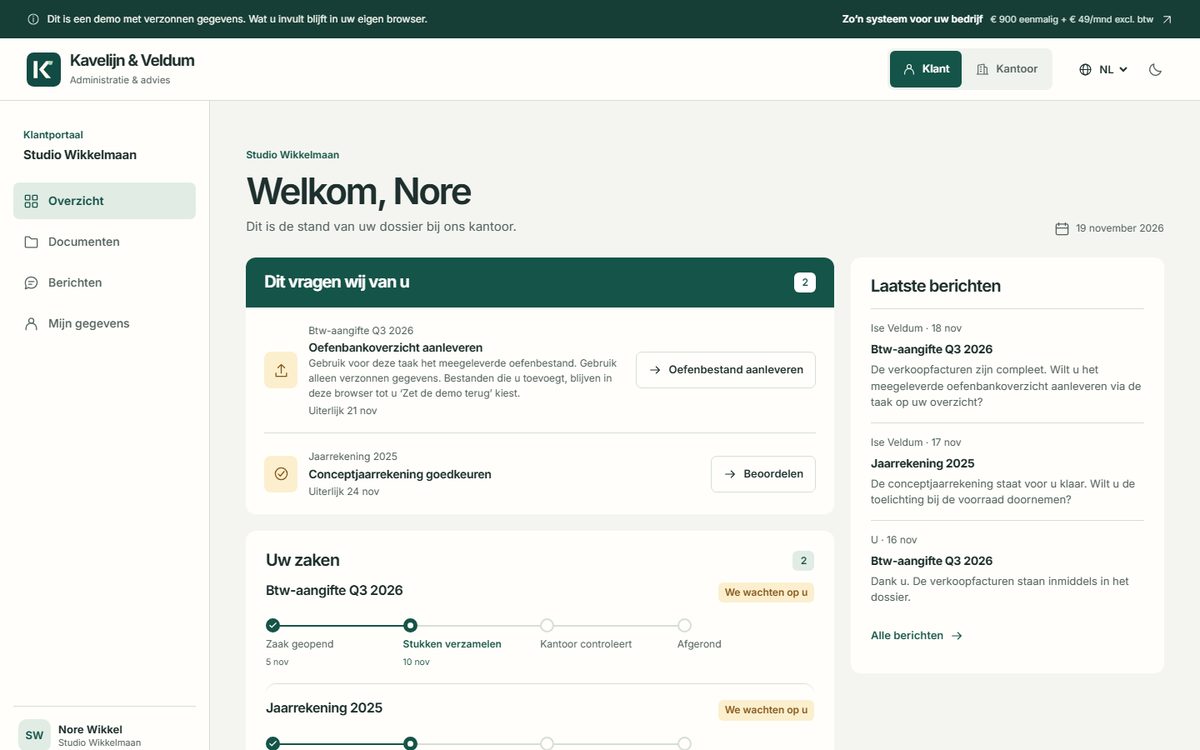
Client portal demo: the client's start screen with requests from the office, with made-up data
The cabinet drawing your customer and workshop both use
Say you make fitted furniture. You're building a hallway cabinet, and the customer wants to check which side the bench will go on. You've discussed it by email, but there are two drawings in their inbox. Here's how job K-17 could look in a client portal.
| Job K-17 | What the customer sees | What you do as the administrator |
|---|---|---|
| Documents | The survey measurements and a drawing called ‘Hallway cabinet, version B’. The drawing shows the bench on the left. | Check the job number and file the drawing alongside the measurements. Keep the cutting list in the workshop. |
| Status | ‘Drawing ready for review’. The customer knows you're waiting for their reply. | Set this status when you upload version B. Change it to ‘In production’ once the customer has confirmed the position of the bench. |
| Messages | ‘Could you check drawing B and confirm that the bench is on the correct side?’ The customer replies in the job file. | Read the reply under K-17 and tell the workshop where the bench goes. If the customer calls later, you can find their original message. |
Two roles in the first version
In this example the customer can open their cabinet drawing and answer your question. As the administrator, you assign the job to the customer and update its status. Use wording that tells them what to do next. ‘Waiting for you to choose a handle’ gives them more to go on than ‘In preparation’.
A customer might change their mind about the handle. Their message tells you what they want, but the workshop still needs a revised drawing. Agree who will upload it and what to call it. Then if the customer rings, you can both refer to the same sheet.
From a sample job file to the acceptance test
Create a fictional job file
Draw a simple cabinet for an invented job and write an internal note for the workshop. Mark who may see each item. You can then use two test accounts to check that the customer can open the drawing and that only the administrator can read the note.
Decide who acts at each stage
Follow the job from enquiry to delivery. At what point do customers tend to ring? Give that stage a name they'll recognise and write the message they need then. We record the roles and documents you choose in the proposal.
Try both roles on the test site
Sign in as the administrator and add drawing B to job K-17. Switch to the test customer's account, read the drawing and answer the message. Switch back to check where the reply appeared. Finally, sign in as a different customer and check that neither K-17 nor the drawing is visible.
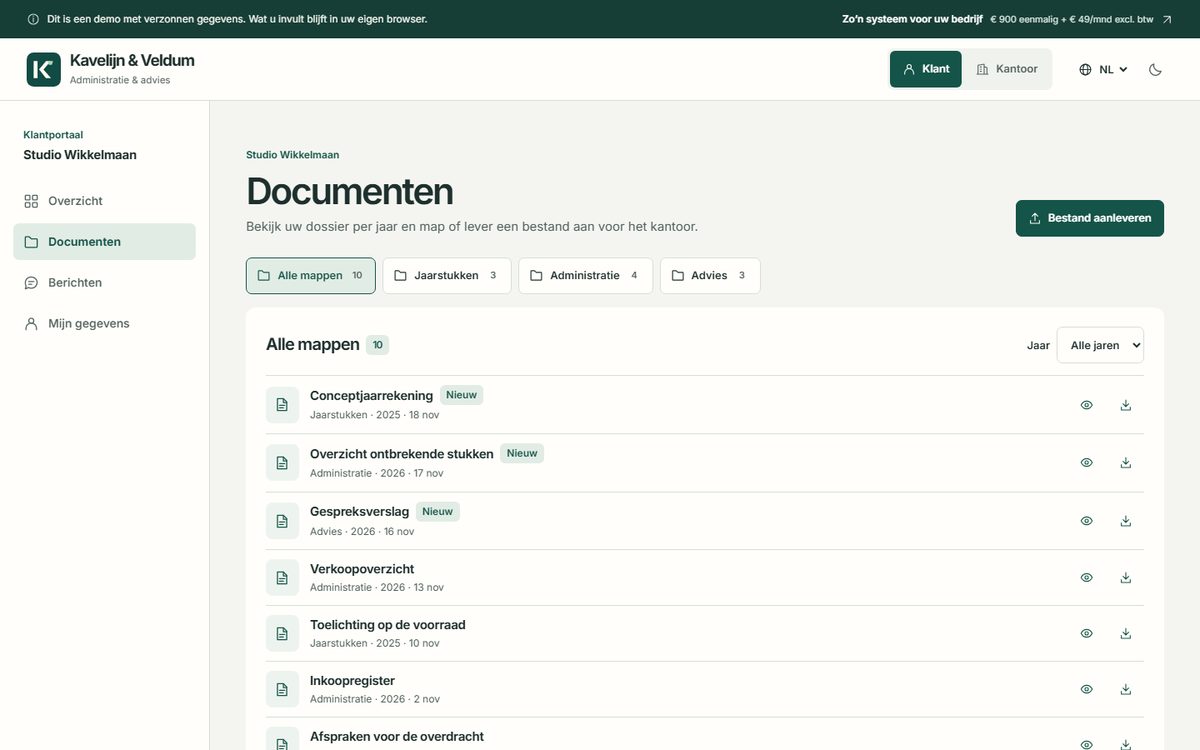
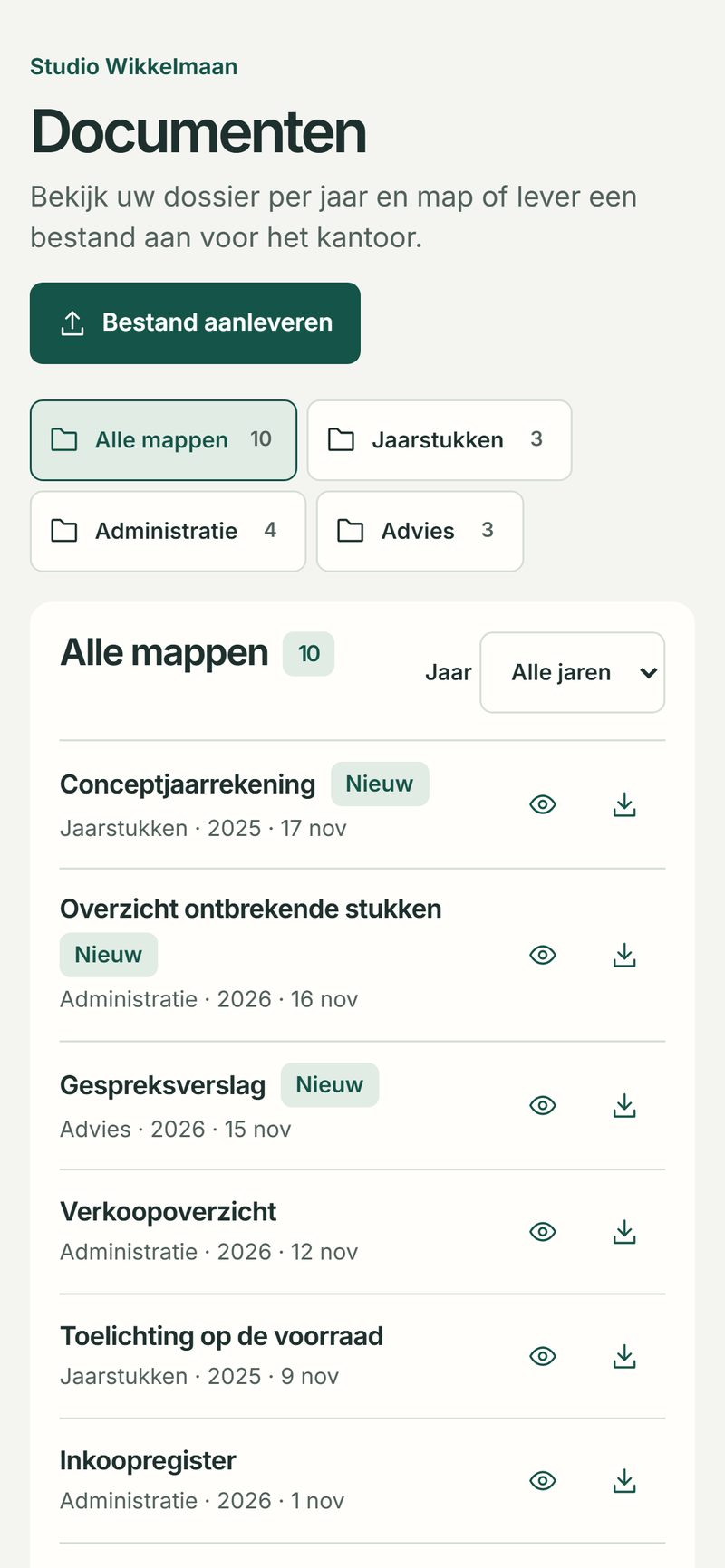
Documents sorted by year on a phone in our working client portal demo, with made
Price
The cost of a client portal
Included for €900
- An individual login for each customer
- A file for each customer with documents, current status and messages
- An admin area where you manage customers and permissions
- An email notification when something new is available
- In your own style, at a dedicated web address
- We check that no customer can see another customer’s information
What is not included
- Electronic signatures
- Payments in the portal
- An integration with your accounting software or CRM (for a fixed price per integration)
What €49 a month covers
Hosting in the European Union, daily backups with a test to check that the data can be restored, security updates, monitoring and help within one working day if a fault occurs.
What you pay in total
- First year
- €1,488 one-off price plus twelve months, excl. VAT
- Each following year
- €588 twelve months, excl. VAT
Always
- We agree a fixed price upfront. The price in our proposal stays the same as long as the scope stays the same
- You can follow progress at a preview link while we build
- At delivery you receive a handover pack with everything covered by your project, in your name
- Half when you accept the proposal, half on delivery
HyperHTML works for businesses and organisations only. All prices exclude VAT; for businesses in the Netherlands we add 21% Dutch VAT.
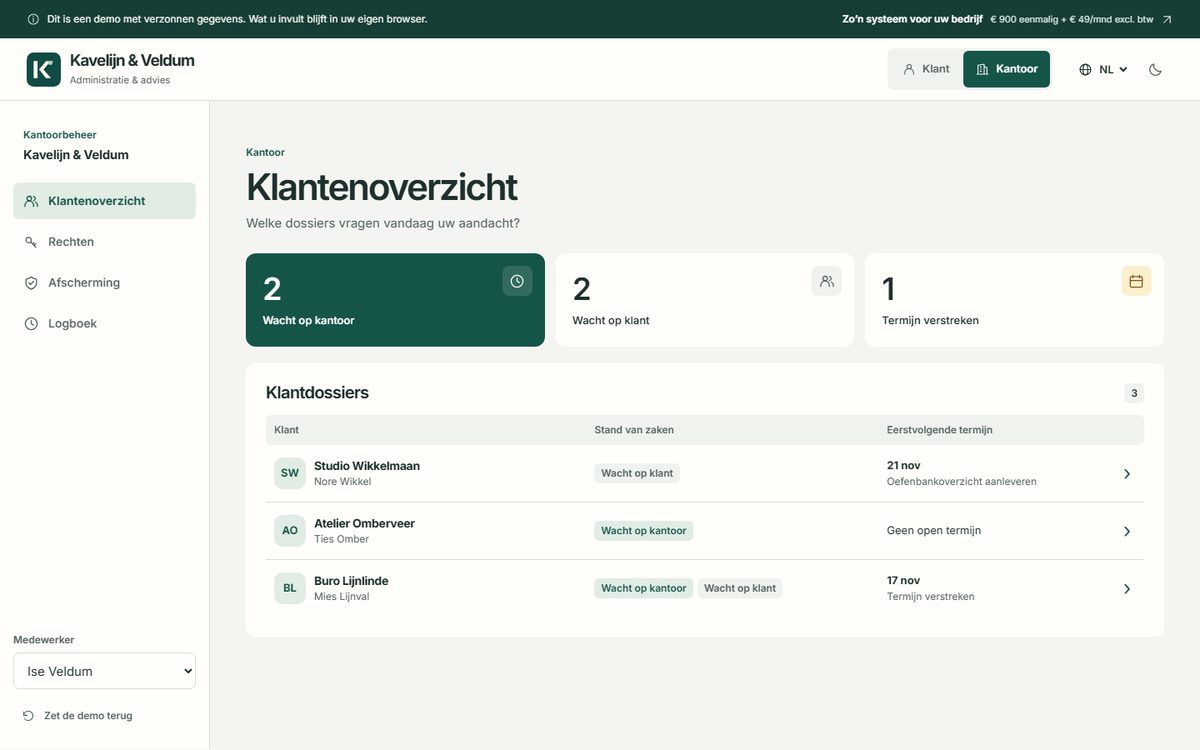
For each client file, the client portal demo shows whether the office or the cli
When email or a CRM is enough
If you send a completion note at the end of each job and rarely get a follow-up question, another login offers the customer little. If you mainly need to keep track of whom to call, take a look at a CRM for your customer contacts.
If the status needs to come from software you already use, describe what triggers the change and which system records it. Connecting the two systems is a separate job. Our guide to client portal costs explains which choices affect the price.
Questions
Questions before you give customers access
How will my customer know there's a new drawing?
Your customer gets an email when something is ready to view. Give the drawing a recognisable title. If a question comes up about version B, you can both open that document in the job file.
Can I try the portal as a customer first?
Yes. Open the client portal demo to see the difference between the customer's view and the office view, using sample data. During the build you can sign in to the test site with a test account and check which documents your own customer will see.
How do I keep my internal costings out of the customer's file?
Agree which documents to share. For the hallway cabinet, the customer needs the drawing and survey measurements. Keep your internal costings separate and check the contents of each file before you upload it.
Can the customer sign the drawing electronically?
Electronic signatures are outside the scope of the basic portal. If the workshop needs a signed drawing before it can start, tell us in your enquiry so we can discuss that step when we plan the job file.
Read next
- PricesSee the one-off cost of each service, any monthly fees and which services have a starting price.
- AI assistant for your team€900 excl. VAT
- Small business app developmentfrom €1,900 excl. VAT
- Offline web app developmentfrom €1,900 excl. VAT
- Custom web appsfrom €1,900 excl. VAT
- Corporate video production€850 excl. VAT
Request
Tell us what you need
You will hear back within one working day from Eloy Evers, who also builds it. Then you get a proposal with a fixed price.
Prefer email?
eloy@hyperhtml.nl