
Data migration between business systems
For a one-off move, we quote a fixed price before we transfer your business data. During the trial import, make 2 checks in the new system: count the records and verify the remaining credit for each customer. The starting price for an integration applies only if you want the two systems to keep exchanging data after the move.
Updated
From a prepaid lesson pass to a new customer record
Suppose you run a dog training school. Anyone who has lessons left on a pass can still use them after the move. At reception, staff need to find the right pass and see how many lessons the customer has left. Use this table to compare the old and new systems side by side.
| Column in the old file | Field in the new system | What to check on import |
|---|---|---|
| Pass no. | Pass number | Keep the leading zeros in 0042 so you can look up the same pass in either system. |
| Customer no. | Customer number | Find the matching customer record. If the number is missing, set the pass aside. |
| Lessons left | Remaining lessons | Carry over the unused credit. A zero means all lessons have been used. A blank means the balance is unknown. |
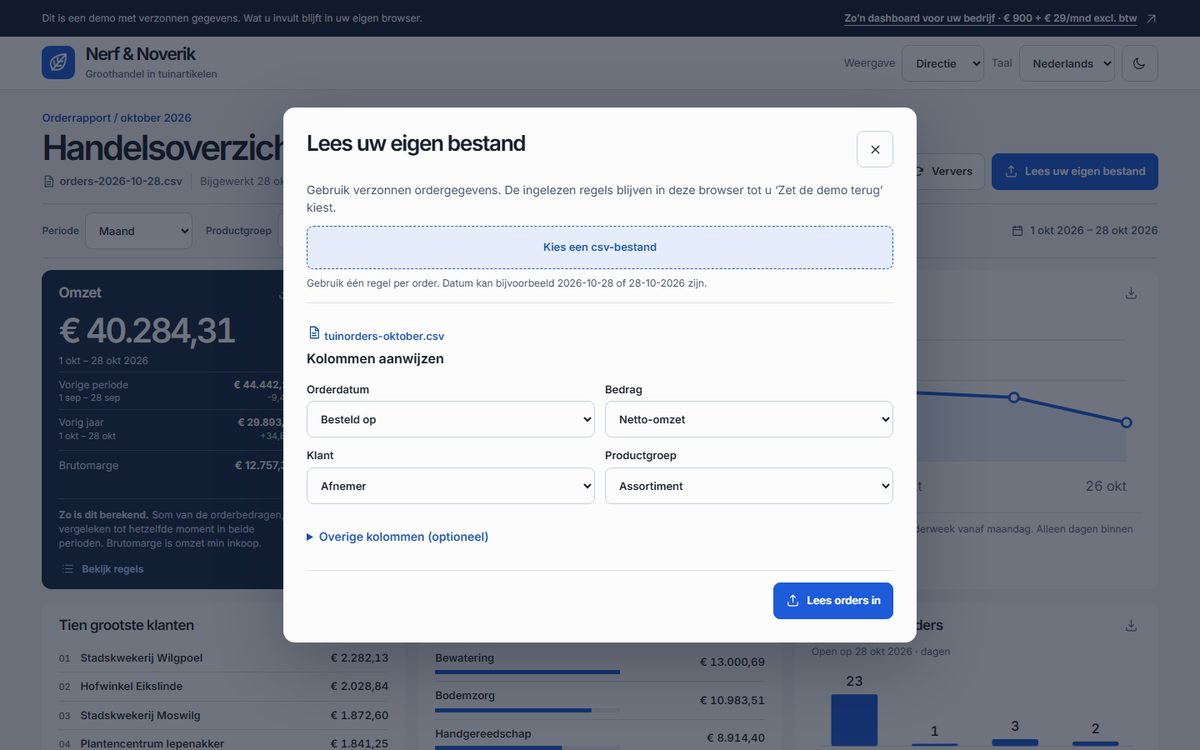
The import window of the dashboard demo shows which field belongs to which colum
Checking the totals after a trial import
In this example, the export contains passes 0041, 0042, 0043 and 0044, with 4, 2, 5 and 1 lessons left respectively. Pass 0043 has no customer number. Start with an empty test system so the totals cover only the passes you import.
| Stage | Passes | Lessons left |
|---|---|---|
| Original file | 4 | 12 |
| In the new system after the first trial | 3 | 7 |
| Set aside for review (pass 0043) | 1 | 5 |
| Expected after correcting pass 0043 | 4 | 12 |
A sign-off record for your trial import
File and version __________. Number of passes in the new system ____. Total lessons remaining ____.
Unresolved issues and pass numbers __________. Decision: approve / postpone. Checked by __________ on __________.
How to sign off a trial import
Match the pass to the right customer
Ask reception to find pass 0043 in the original enrolment record. Enter the confirmed customer number in the working copy of the file. Run the import again in an empty test system so no pass counts twice.
Check the owner and balance of each pass
Compare the customer number and lesson balance on each pass with the original file. Imagine swapping the balances on passes 0041 and 0042. The total would still be 12, but two customers would see the wrong balance. Look up those passes the same way reception staff will.
Record your decision against this import
Fill in the sign-off record using the results from the new system. In this example, you can approve the import once all four passes belong to the right customers, every lesson balance matches and the list of exceptions is empty. For any outstanding issue, record the pass number and the reason.
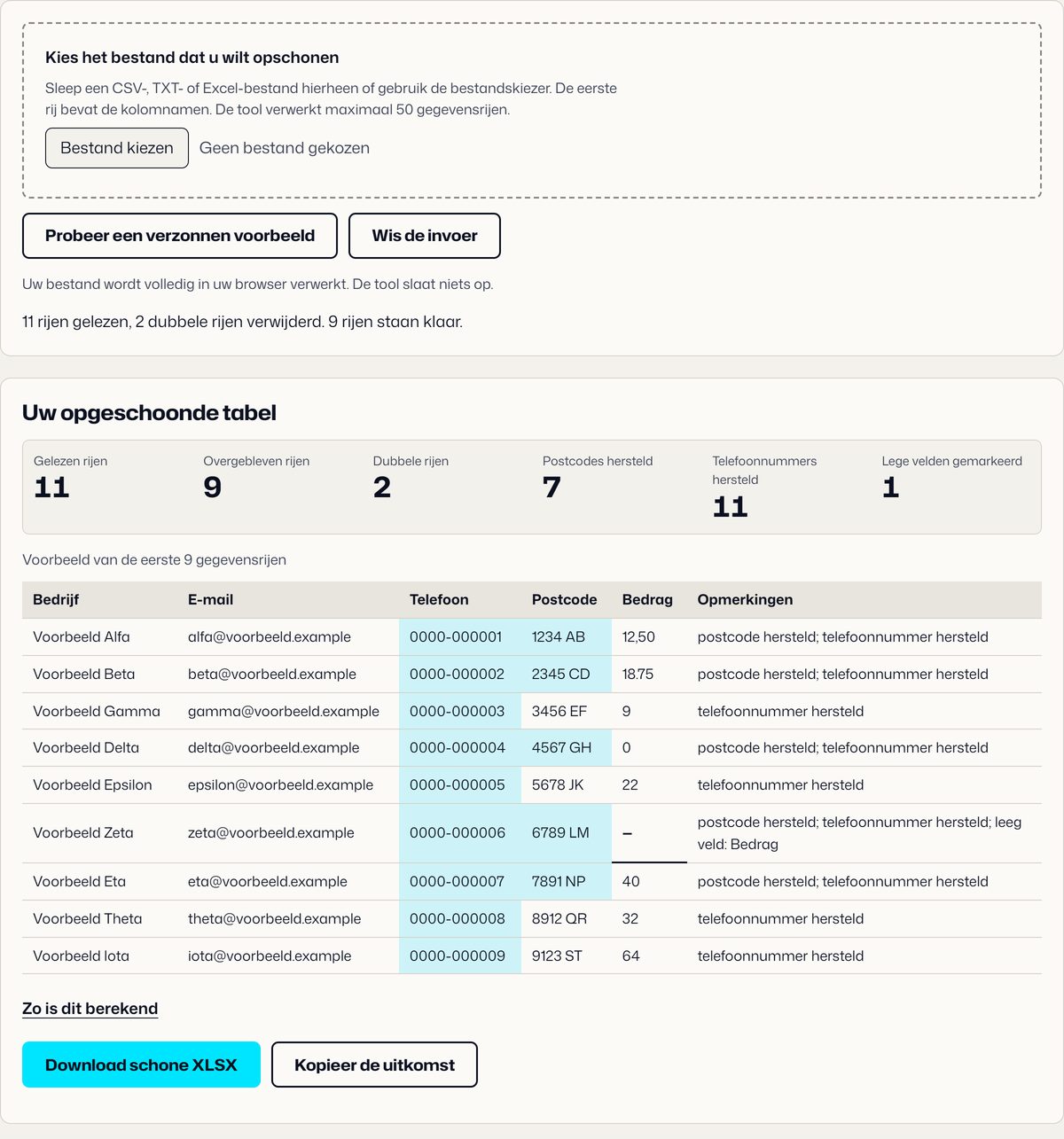
In the example, the HyperHTML CSV cleaner counts how many postcodes and phone nu
When to switch and how to go back
Agree a time when reception can briefly stop deducting lessons from passes. Take the final export and a backup at that point. Test in advance whether your administrator can restore the data without overwriting the live system. Record who can give reception the go-ahead to start using the new system.
If a balance is missing, keep using the old system and fix the error in the test system. If reception has already started using the new system and you need to switch back, pause data entry. Compare the lessons deducted from each pass since the switch and carry across only the missing deductions. Check the balances before reception starts using the old system again.
What we need for a fixed quote
Tell us which system you are leaving and where the data needs to go. A sample file with fictional customers and the original column names, together with a blank import template from the new system, shows us how the fields match up. Mention any attachments or old notes you will need to find after the move.
We quote a separate fixed price for moving existing records. If you plan to keep both systems and want new records to pass between them, you can connect the two systems. The price below is for that connection. You can also find it on our pricing page.
Price
Starting price for an integration alongside your migration
What the price from €450 includes
- One integration between two systems that have documented interfaces
- One type of data in one direction
- No duplicate processing
- An email alert if something goes wrong
- A test run with your own data
What is not included
- Licences and subscriptions for the systems themselves
- Two-way data transfer and migration of historical data (each available for a fixed price)
- Changes if either system alters its interface (charged at our hourly rate)
Your quote lists a separate price for moving the existing records.
Always
- We agree a fixed price upfront. The price in our proposal stays the same as long as the scope stays the same
- You can follow progress at a preview link while we build
- At delivery you receive a handover pack with everything covered by your project, in your name
- Half when you accept the proposal, half on delivery
HyperHTML works for businesses and organisations only. All prices exclude VAT; for businesses in the Netherlands we add 21% Dutch VAT.
Questions
Before you stop using the old system
Can I cancel my old subscription after the trial import?
Keep access until the final handover is complete. Check that you can find an old enrolment and its pass. Ask your supplier beforehand what you can still access or export if you cancel.
How do we tell two customers with the same surname apart?
Use the old customer number to match each pass to its owner. If there is no reliable match, set the pass aside until reception can identify the enrolment. If names recur throughout the list, see how to check for duplicate contacts before import.
Who checks balances that have changed since the trial?
Choose someone familiar with how lessons are deducted. They compare the final export with the balances at the time of the switch. For example, record that the holder of pass 0041 used one lesson after the trial and should start with three lessons in the new system.
Do you need my entire customer list to quote for the move?
A sample with the same columns and fictional values is enough to describe the move. Point out any blank fields and explain what they mean in your current system. Agree separately who will have access for the actual transfer.
Read next
- PricesSee the one-off cost of each service, any monthly fees and which services have a starting price.
- AI assistant for your team€900 excl. VAT
- Small business app developmentfrom €1,900 excl. VAT
- Offline web app developmentfrom €1,900 excl. VAT
- Custom web appsfrom €1,900 excl. VAT
- Corporate video production€850 excl. VAT
Request
Tell us what you need
You will hear back within one working day from Eloy Evers, who also builds it. Then you get a proposal with a fixed price.
Prefer email?
eloy@hyperhtml.nl