
Ecommerce website design in the Netherlands
A custom online shop from HyperHTML costs €1,500 excl. VAT to build, then €29 per month, plus payment processing fees. We enter up to 50 products from your product file. Customers can pay with iDEAL, a Dutch payment method, and you can update products, prices and stock yourself.
Updated
An online shop for products with a set price
Can you pack an order once you know the size, quantity and delivery address? An online shop suits that kind of sale. If you make aprons in standard sizes, for example, customers can order them straight away. If you need to discuss the fabric, embroidery and quantity before you can give a price, a website for quote requests is a better fit.
Adding one apron in two sizes
Suppose you sell blue work aprons. Give each size customers can order its own row in your product file. Give the photo a recognisable filename too, so the blue apron doesn’t appear with a photo of the green one.
| Product code | Variant | Opening stock |
|---|---|---|
| SCH-BL-M | Blue apron, size M | 4 aprons |
| SCH-BL-L | Blue apron, size L | 2 aprons |
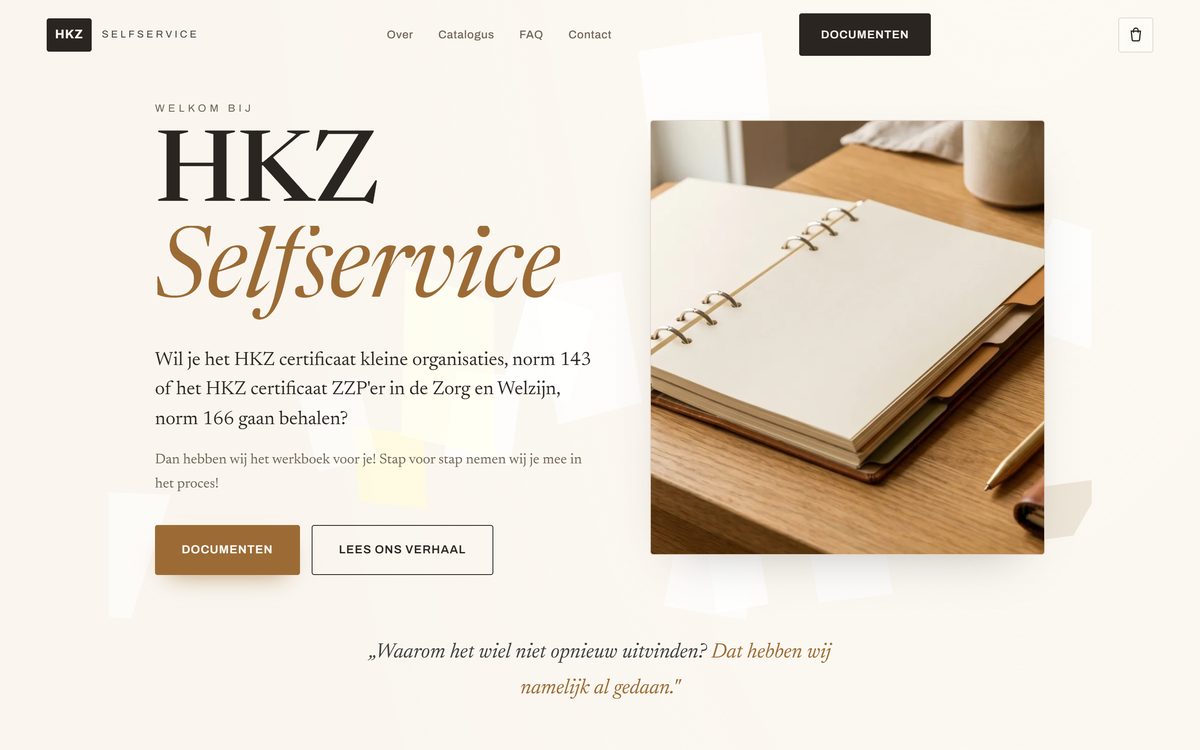
The home page of the design proposal for HKZ Selfservice shows an open ring bind
What to prepare for the build
For each variant, send the product code, selling price, stock level and matching photo, along with the description customers should see. For the aprons, include the length and waist measurements so someone choosing between M and L can compare them.
Write down the price and delivery time for a parcel within the Netherlands. How much does it cost to send two aprons in the same box? Specify where returns should go and who will receive them. Tell us about any exceptions and the payment method you want before we agree the work. You can follow the build on a preview site.
Following a test order from size selection to return
Use one order you can easily recognise on the preview site. In this example, test order P-1007 is for one blue apron in size M.
Choose a size and check delivery
Add the apron to the basket and enter a Dutch delivery address. Compare the delivery charge with your parcel rate. Check on your phone that you can see the size, expected delivery time and total before paying.
Check out with iDEAL
Complete the test payment. Compare the amount shown by the payment provider with the basket total. Find P-1007 in the order emails for you and the customer. Your copy should tell you which size to pack.
Count the aprons on the shelf
After packing the order, you should have three blue aprons in M and two in L. Compare those quantities with the stock figures in your shop’s admin screen. The order email confirms which size the customer bought. The count tells you whether the stock figures match what’s left.
Check the refund and stock level
Process the test refund for P-1007 and check the amount against the refund you expected. In this example, the apron comes back undamaged. Check that stock for M is back at four before you close the return.
Price
Build price and monthly costs for your online shop
Included for €1,500
- A custom online shop in your own style
- Up to fifty products imported from one file you supply
- Payments through one provider, including the Dutch payment method iDEAL
- Shipping costs and delivery times for the Netherlands
- Order emails for you and your customer
- An admin screen where you can update products, prices and stock yourself
- A test order and a test refund before launch
- A search title and description for each product, plus structured data for price and stock availability
What is not included
- The payment provider’s transaction fees
- An integration with your accounting software or a sales platform
- Sales outside the Netherlands where different VAT rules apply
- Product photography and writing product descriptions
What €29 a month covers
Hosting, a daily backup, security updates, monitoring of shop availability and recovery if the shop goes down.
What you pay in total
- First year
- €1,848 one-off price plus twelve months, excl. VAT
- Each following year
- €348 twelve months, excl. VAT
These figures show what you pay HyperHTML in the first year and each year after that. Add your own payment provider’s fees to work out your budget.
Always
- We agree a fixed price upfront. The price in our proposal stays the same as long as the scope stays the same
- You can follow progress at a preview link while we build
- At delivery you receive a handover pack with everything covered by your project, in your name
- Half when you accept the proposal, half on delivery
HyperHTML works for businesses and organisations only. All prices exclude VAT; for businesses in the Netherlands we add 21% Dutch VAT.
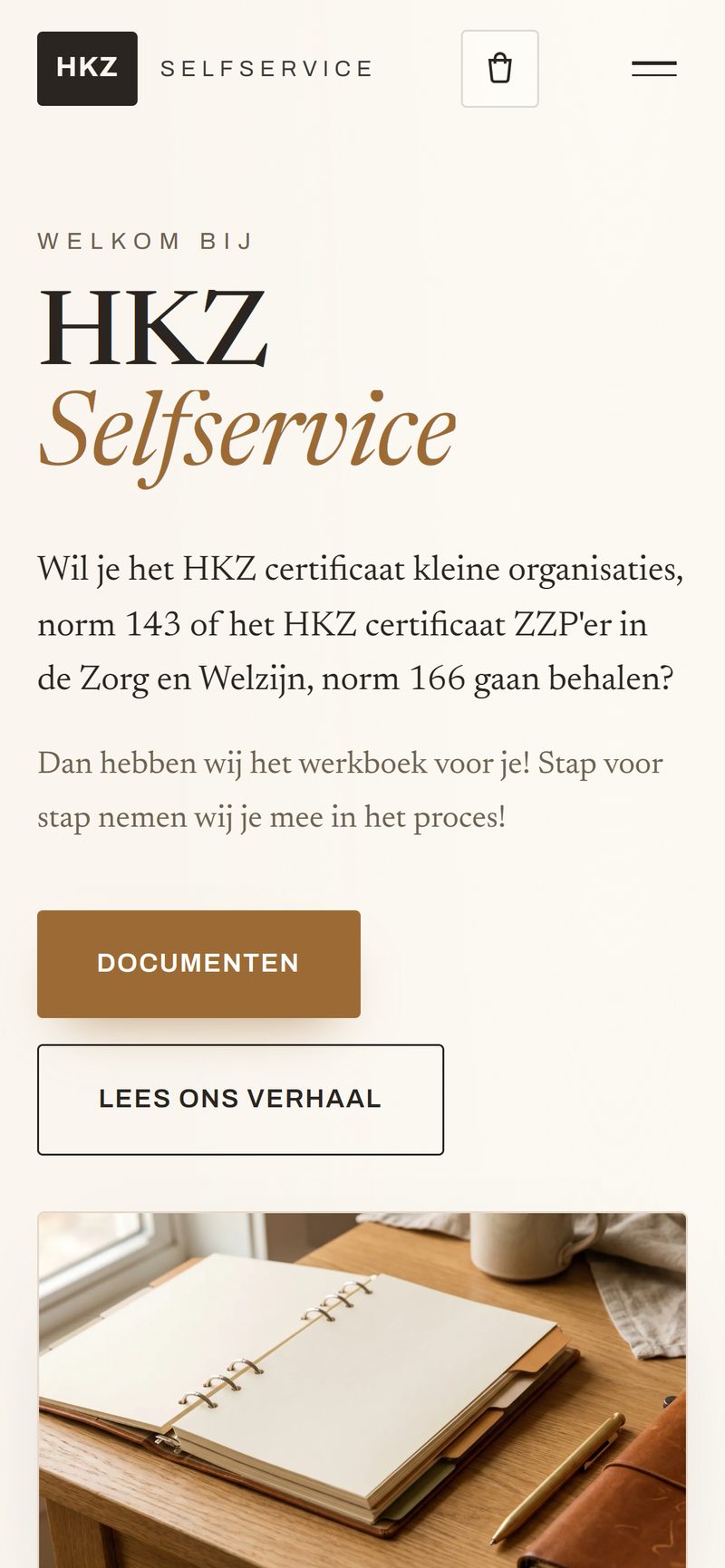
In the mobile design proposal for HKZ Selfservice, the ‘Documenten’ (documents)
Comparing costs at 100 orders a month
Suppose you sell ten products in the Netherlands, including an apron with separate stock for sizes M and L. At 100 iDEAL orders a month, a year gives you 1,200 payments. To track stock for each size with Mijnwebwinkel, a Dutch shop builder, you need at least its Pro plan. HyperHTML sells the custom option.
| Cost | HyperHTML | Mijnwebwinkel Pro |
|---|---|---|
| Setting up the shop | €1,500 excl. VAT for the build | You set up the shop yourself. Include the cost of your time. |
| Keeping the shop running | €29 per month. See the pricing section for the annual total. | €40 a month on an annual contract, so €480 for twelve months. Both amounts exclude VAT. |
| Taking iDEAL payments | 1,200 × your fee per successful payment | 1,200 × your fee per successful payment through Mollie |
Setting up the shop yourself or commissioning a build
If you only sell individual items and don't need separate stock for each size or colour, Mijnwebwinkel also offers its Grow plan for up to 25 products. If you sell in sizes, as with the apron, you can track stock for each variant from the Pro plan upwards. Either way, you set up the shop yourself. If you'd rather have the shop built and keep the option of taking the code to another developer later, compare what you get at handover too. Read about the cost of an online shop or see our prices.
Taking your order records with you
After payment, your handover pack includes access to the database so your next developer can read the individual order lines. If you want a regular export for your accounts, agree a file format such as CSV for your spreadsheet. Here’s how one row might look after the test return.
| Order number | Product code | Quantity ordered | Quantity returned | Payment status |
|---|---|---|---|---|
| P-1007 | SCH-BL-M | 1 | 1 | Refunded |
Questions
Questions before you commission an online shop
Can I run an online shop from home in the Netherlands?
Start with the guide to setting up an online shop from the Dutch Chamber of Commerce (KVK), in Dutch. Check whether you need to register and which selling rules apply to your products. Think about where you’ll store your stock and where you can receive returns.
Does an apron in five sizes count as one product?
Tell us both how many designs you have and how many variants a customer can order. If you keep separate stock for each size, send a completed example. We can then specify in the proposal how your file counts towards the product limit shown in the pricing section.
Who updates the shop when I add a new colour?
You can update products, prices and stock yourself in the admin screen. Give each new variant its own product code. Keep the code for the blue apron recognisable so you can identify the original item if a customer returns it later.
Can I use the same shop to deliver outside the Netherlands?
We set up the shop for shipping within the Netherlands. If you also sell across borders, tell us in advance which countries you want to ship to, what you charge for delivery and which products you’ll offer there. International sales with separate VAT rules fall outside this price.
Sources
- Webshop maken, jaarabonnementen Grow en Pro (in Dutch). Mijnwebwinkel, accessed 19 November 2026.
- Een webshop starten (in Dutch). KVK, accessed 19 November 2026.
- Tarieven voor geslaagde betalingen, waaronder iDEAL (in Dutch). Mollie, accessed 19 November 2026.
- Productvarianten met voorraad per pakket (in Dutch). Mijnwebwinkel, accessed 19 November 2026.
Read next
- PricesSee the one-off cost of each service, any monthly fees and which services have a starting price.
- AI assistant for your team€900 excl. VAT
- Small business app developmentfrom €1,900 excl. VAT
- Offline web app developmentfrom €1,900 excl. VAT
- Custom web appsfrom €1,900 excl. VAT
- Corporate video production€850 excl. VAT
Request
Tell us what you need
You will hear back within one working day from Eloy Evers, who also builds it. Then you get a proposal with a fixed price.
Prefer email?
eloy@hyperhtml.nl