
Business logo design for print and screen
A logo for your business costs €450 excl. VAT at HyperHTML. We design your logo in Enschede, the Netherlands, and send you the files for print and screen. Before the design work starts, think of the smallest place a customer needs to recognise you. It might be the label on a jar or the profile picture beside a post.
Updated
Which details survive at the smallest size
Suppose you sell honey from your own hives. Your logo shows a bee above your business name. Up close, you can see its wings, antennae and stripes. Hold the smallest jar at arm's length, as a customer might. Can you still read the name?
Use the same file for all three tests below, with the bee and the name just as they are. Seeing where the design works and where it loses detail will help you tell us exactly what to adjust.
The same bee on a jar label, a dark box and a profile picture
| Test | What you see in this example | What to ask us to change |
|---|---|---|
| Label at actual size | Print the logo at the size that fits the jar. On a 25 mm wide proof, two letters in the name almost touch. | Ask for a little more space between those letters. Print the revised label at the same size and wrap it around the jar. |
| Dark background | Place the same logo on the dark brown of the gift box. The yellow wings stand out, but the dark lettering blends into the background. | Try a light colour for the name against the same brown. Then check the bee's body too. If only the wings show up, the symbol looks different. |
| Small profile picture | Reduce the whole image to 32 by 32 pixels, for example. The name is too small to read and the stripes on the bee merge. | Try cropping the image to show just the bee. If it is still hard to recognise, see which lines you could remove while keeping the outline. |
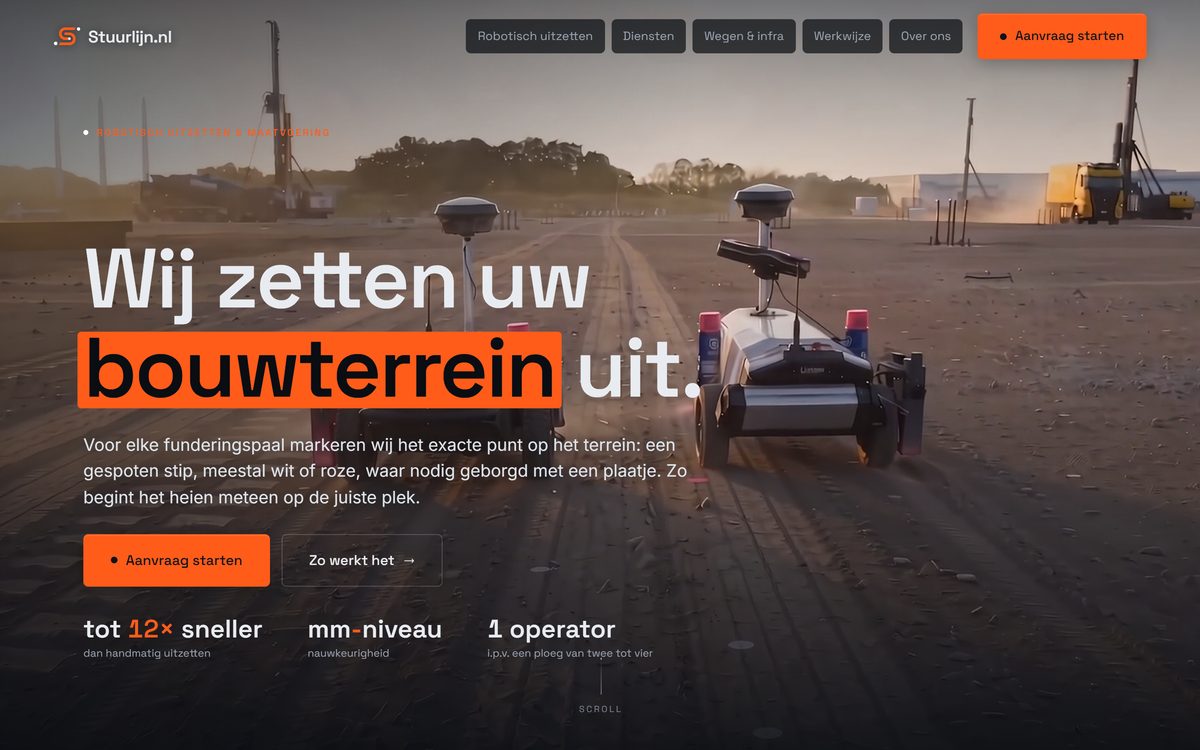
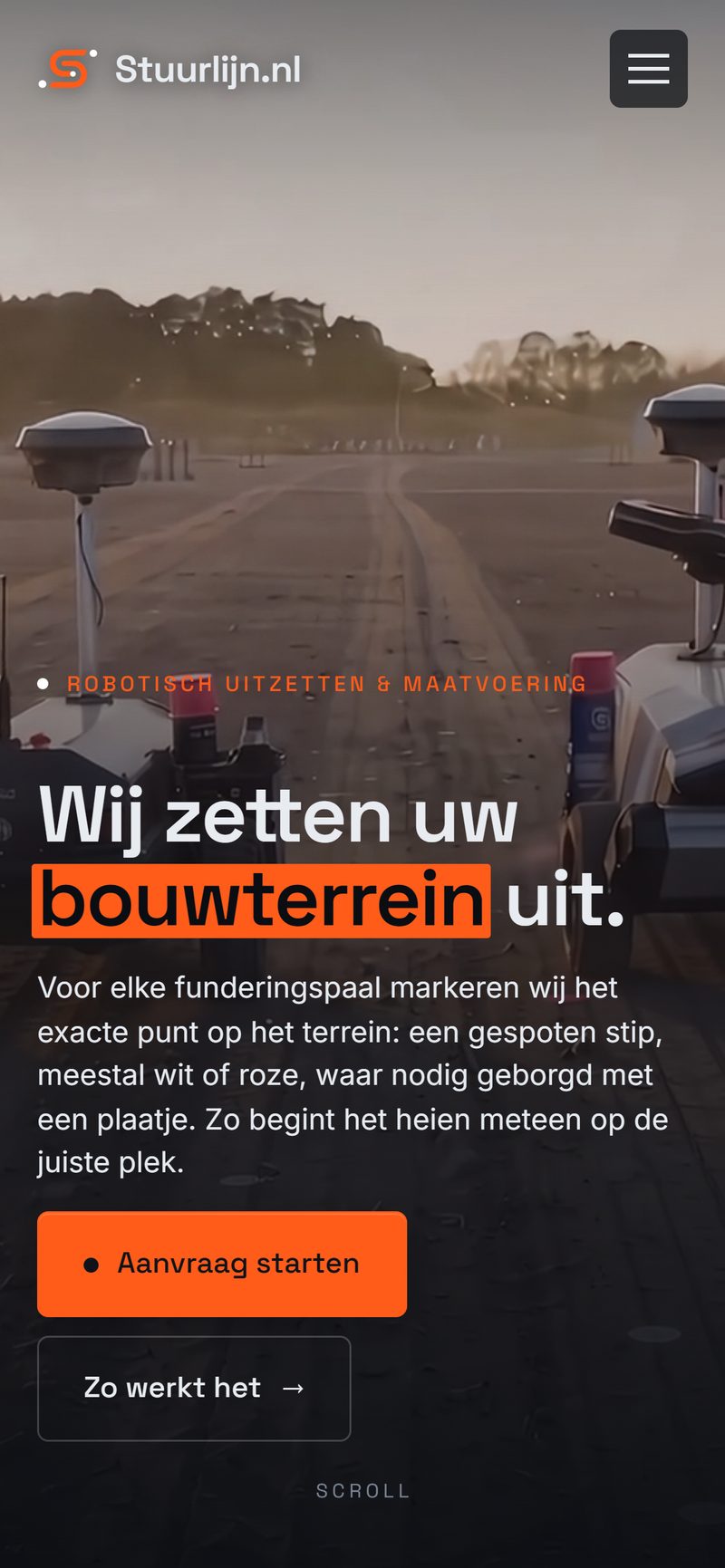
In the top left of the Stuurlijn mobile site, the brand symbol sits next to the
Logo files for print and screen
A vector file describes the lines and shapes that make up your logo. A printer can scale these up for a shop sign. You can use the same vector artwork as an SVG on your website. If your quoting software asks for an image, a PNG with a transparent background may be useful. A PNG has a fixed number of pixels. If you need a larger image, export it again from the vector file to keep the lines sharp.
Ask your printer which file format they need and how fine a line they can reproduce on your chosen material. Include those details when you send us your brief, especially if you plan to have the logo embroidered or made into a stamp.
Price
The price of your logo
Included for €450
- One design direction, fully developed
- Two rounds of revisions
- Files for print and screen, including vector files
- Your colours with codes for print and screen
- A typeface recommendation with a valid licence
- A short guide to using your logo
What is not included
- A brand strategy
- Printed materials and campaign imagery
Tell us where the logo has to work when you enquire. You can then check the quote against the files you need for that job.
Always
- We agree a fixed price upfront. The price in our proposal stays the same as long as the scope stays the same
- You can follow progress at a preview link while we build
- At delivery you receive a handover pack with everything covered by your project, in your name
- Half when you accept the proposal, half on delivery
HyperHTML works for businesses and organisations only. All prices exclude VAT; for businesses in the Netherlands we add 21% Dutch VAT.
From your business name to the final artwork
Send the name exactly as it should appear
Give us the spelling, capital letters, spaces and any accents. Send a photo showing the space available on your packaging or vehicle. If there is a tagline, list it separately and say whether it needs to appear in the smallest version.
Check the shape before choosing the shade
Look at the first design in a single colour. Can you still recognise the name and the symbol? Then try the colours against the actual background. Be specific about any changes you need. ‘The last letter disappears against the brown cardboard’ tells us where to look.
Check the file with the person who will use it
Open the screen version against its intended background and ask the printer to show you a proof at actual size. Keep the original vector file somewhere you can find it again when your signwriter asks for the artwork.
Questions
Questions before commissioning a logo
My old logo looks blurry. Do I need a new design?
Look for the original vector file or ask your previous designer for it. If the design still works and the blur comes from using a small image copied from an email, a fresh export may be all you need.
How do I choose colours that work on my packaging?
Start with the material you use most. Place a colour sample on the kraft paper, white box or dark bottle that will carry the logo. If the name is hard to read, try increasing the contrast between the lettering and its background.
When can I send my new logo to the printer?
Include the printer's artwork deadline in your enquiry. Before accepting the quote, agree when you will review the design and when you need the file. Leave time between those dates for revisions and a print proof.
Is a logo enough to make my quotes recognisable?
If your name and symbol are enough, you can add the logo to your quotes yourself. If you also want your headings, colours and layout to work together, see how we used these elements in the identity for Stuurlijn. Our service prices can help you decide what to include in your brief.
Sources
- Scalable Vector Graphics (SVG). W3C, accessed 19 November 2026.
- Portable Network Graphics (PNG) Specification. W3C, accessed 19 November 2026.
Read next
- PricesSee the one-off cost of each service, any monthly fees and which services have a starting price.
- AI assistant for your team€900 excl. VAT
- Small business app developmentfrom €1,900 excl. VAT
- Offline web app developmentfrom €1,900 excl. VAT
- Custom web appsfrom €1,900 excl. VAT
- Corporate video production€850 excl. VAT
Request
Tell us what you need
You will hear back within one working day from Eloy Evers, who also builds it. Then you get a proposal with a fixed price.
Prefer email?
eloy@hyperhtml.nl